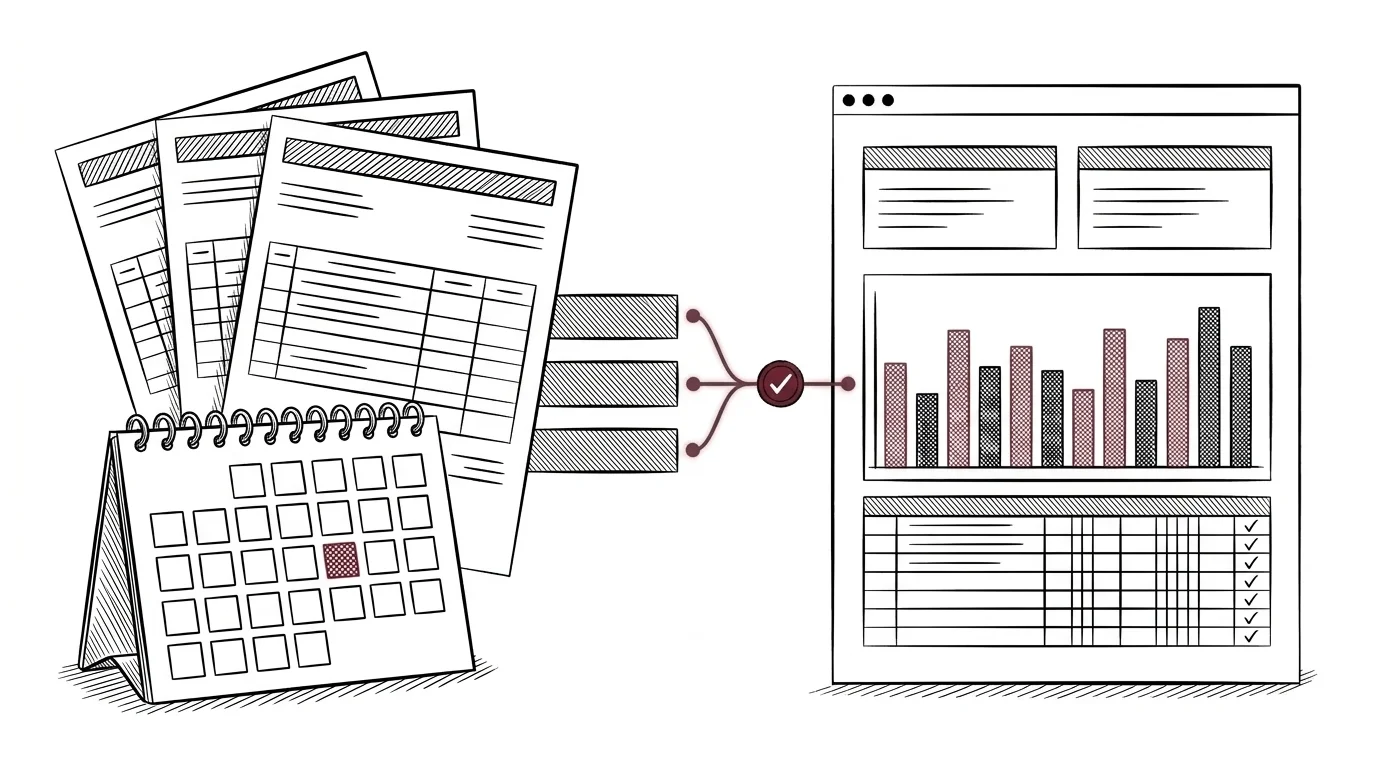
Vendor selection looks like a one-off, so nobody gives it a process. But it has the same shape as a sale, from the other side: a shortlist, stages (first call, demo, quote, trial, negotiation), a decision date, and an agreement at the end. Each choice also locks in a cost that will show up in the books for years.
What goes wrong
- The evaluation has no memory. Why you picked one payroll provider over another lives in someone’s head. When it comes up for renewal, you start again.
- Quotes are compared on the headline price. The real cost depends on the terms: minimums, per-seat tiers, pass-through fees, the setup charge.
- The decision date slips. Without a date on it, a vendor search drags on until the old contract auto-renews.
- The signed agreement is disconnected from the choice. The contract lands in a folder; the bills land in the books; nothing links them to the evaluation.
The search as a pipeline
- One pipeline per search, or the built-in vendor pipeline, with stages such as shortlisted, demo, quote, trial, negotiating.
- One pursuit per vendor on the shortlist, with the quoted annual cost as its expected value and labels for what matters to you: region, integration, support tier.
- Won means signed. The pursuit is won when the vendor agreement is accepted. From then on the agreement’s terms drive the bills and costs recorded against it.
- A target with a date. One vendor chosen by the end of the quarter, held by the search’s pipeline.
The losing vendors are recorded as lost with a reason, so the next time the contract comes up for renewal, the reasons are still there.
How it looks with an agent
In Economico (the underlying business data model your own agents run, rather than another standalone procurement app), your agent sets up the search as a pipeline, opens a pursuit per vendor from the quotes in your inbox, and records what you learn at each stage in the pursuit’s labels and the context it keeps. When you sign, it records the vendor agreement and links it, which wins the pursuit. The agreement then prices the bills that follow, so the cost of the choice lands on the same real accrual books as the decision.
- Shortlist 10% none
- Demo 30% none
- Quote 60% 3 providers
- Negotiating 80% none
- Actual, from the books
- 0 of 1
In progress. Three quotes in, decision due Mar 31.
 Your agent × Economico
Called 3 Economico tools
Economico
commands · pipelines.define
✓
eor-search: shortlisted, demo, quote, negotiating
Economico
commands · opportunities.open
✓
Three pursuits with quoted annual cost and region labels
Economico
commands · targets.define
✓
One provider chosen by March 31, proposedTry it
Prompts for your next vendor search
Set up a vendor search for a new payroll provider with these four quotes. Label each with region and support tier.
We picked the second provider. Record their agreement, link it to the search and mark the others lost with the reason.
Our cloud commitment renews in April. Why did we pick this vendor last time, and what have we paid them since?
See pipelines, customers and vendors and bills and expenses.